


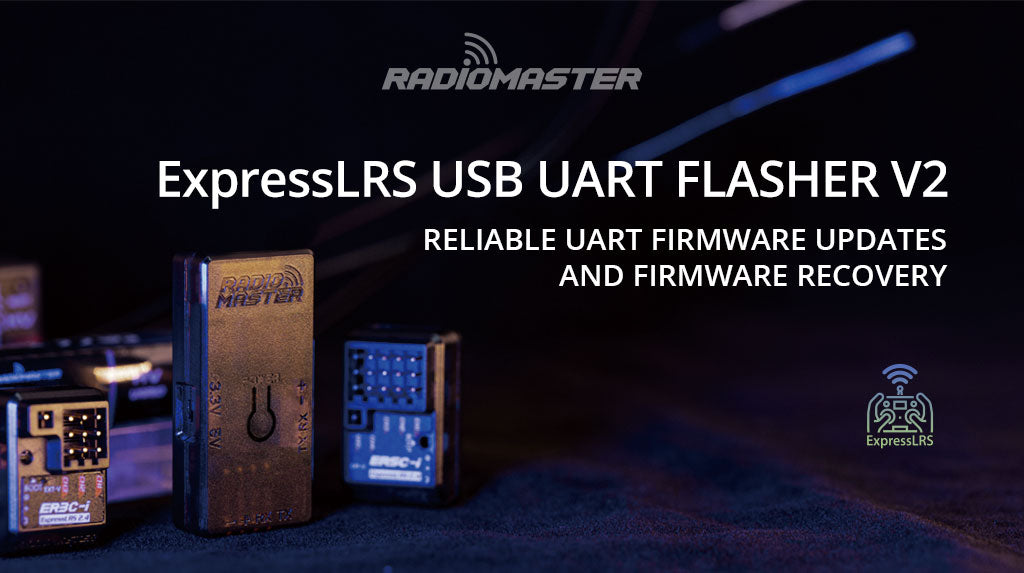
RadioMaster ExpressLRS USB UART Flasher V2
RadioMaster ExpressLRS USB UART Flasher V2 is backordered and will ship as soon as it is back in stock.
Couldn't load pickup availability
Shipping & Fufillment
Shipping & Fufillment
All items ship from our Calgary location/warehouse. For more shipping information visit our shipping policy page please note items listed as pre-order or special order will take longer to ship. Please note, couriers may differ in order to provide a quicker delivery.
Description
Description
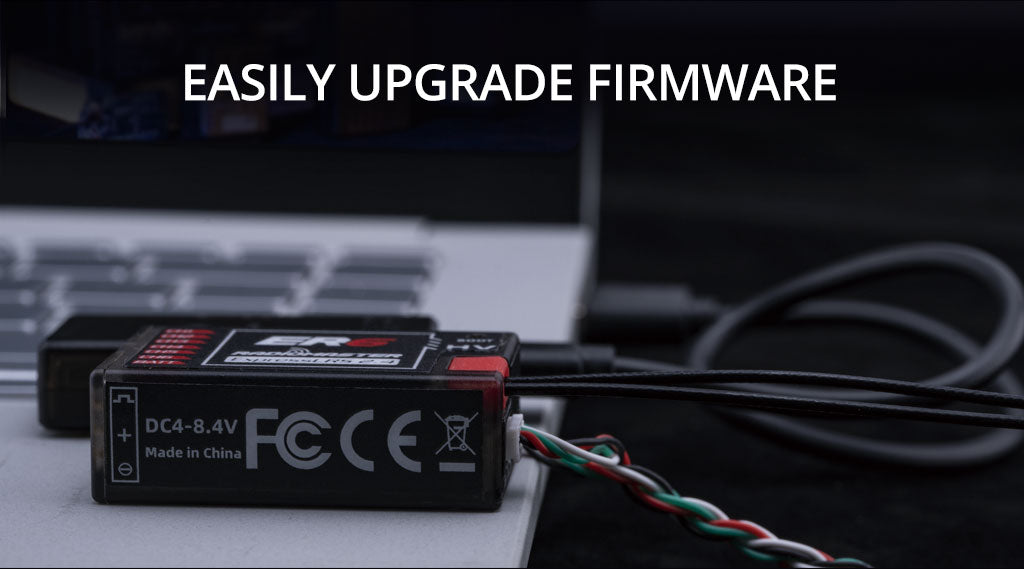
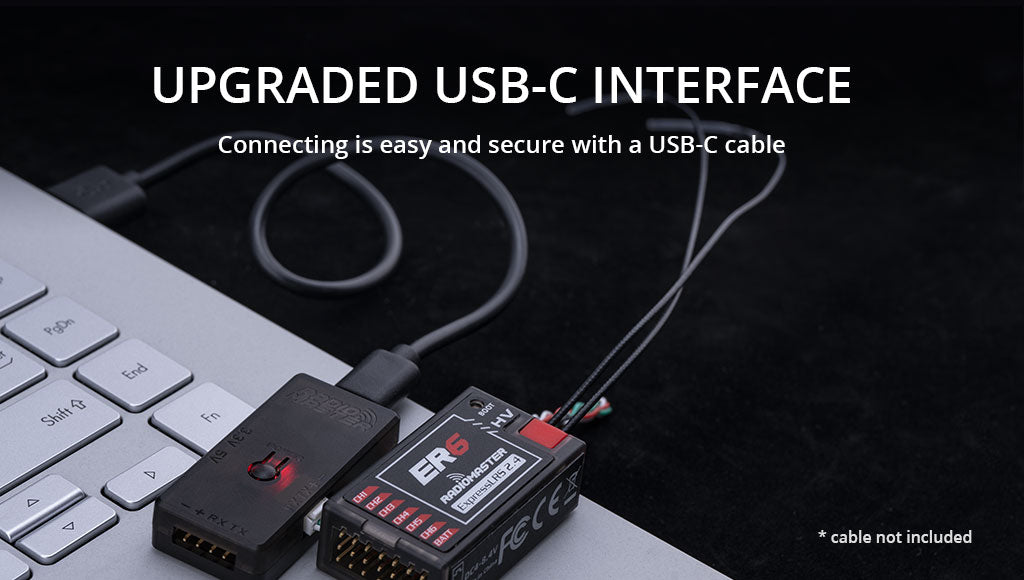
Upgrade your ELRS firmware with ease using our simple and effective tool. The new V2 version features a USB-C interface, enabling you to connect the tool to your PC via cable. The new power button allows effortless power cycling with a single press, eliminating the need to struggle with cables while holding down buttons. Our streamlined design makes preparing your receiver for a firmware update faster, easier, and more efficient than ever!
When it comes to updating your ELRS receivers, you're faced with two options: Wi-Fi or Serial Port. While Wi-Fi upgrading may seem convenient, it can be unreliable due to network instability. This can result in a bad flash, requiring recovery with a UART tool. That's where the V2 ExpressLRS USB UART Flasher comes in, offering a reliable and easy solution for your firmware upgrade needs.
With the RadioMaster V2 ExpressLRS USB UART Flasher, your wireless connection won't be a concern. This dongle is specifically designed for ELRS receiver serial port upgrades, providing a reliable and easy solution for flashing or recovering receivers with a bad flash.
Our USB flashing tool is a versatile solution, not limited to ELRS serial port upgrades. It comes with a range of connection options, allowing easy connection to our entire range of receivers. By switching between 3.3v and 5v, it can also be used for other devices requiring a UART interface. This versatility makes it a valuable addition to your toolkit, catering to all your firmware upgrade needs.
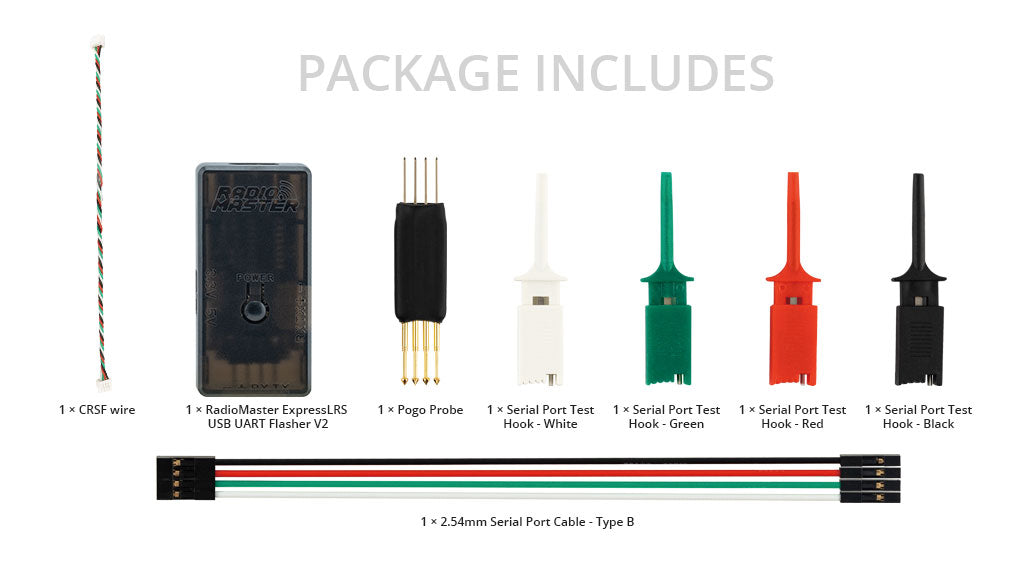
Package Includes:
1x RadioMaster ExpressLRS USB UART Flasher V2
1x Pogo Probe
1x CRSF Wire
1x 2.54mm Serial Port Cable - Type B
1x Serial Port Test Hook - White
1x Serial Port Test Hook - Green
1x Serial Port Test Hook - Red
1x Serial Port Test Hook - Black
1x User Card
Info:
Features:
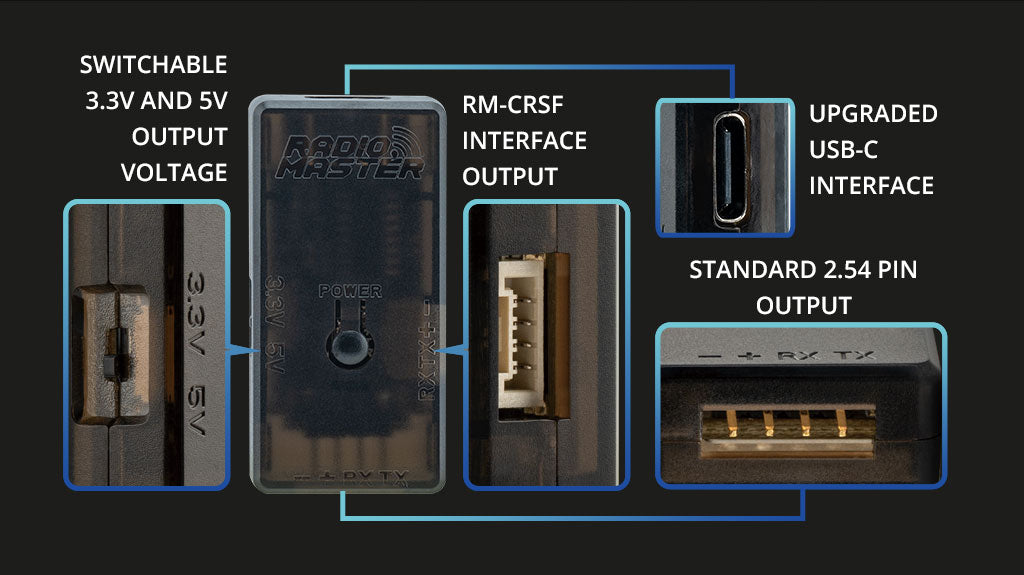
- Upgraded USB-C interface
- Power button for easy ON/OFF power cycling
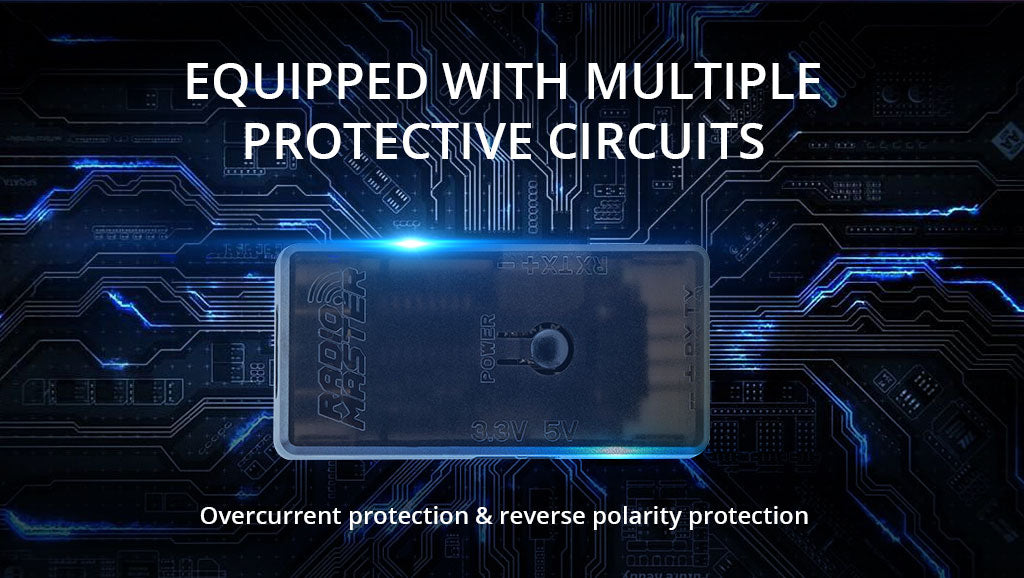
- Reverse polarity protection
- Over-voltage protection
- Switchable power supply between 3.3V and 5V
- Standard 2.54mm pins
- RM-CRSF JST-GH port for simple plug-n-play connection with RadioMaster ER series receivers
- Pin sockets included
- Dupont cables for convenient testing


Compatible Receivers
Using 2.54mm pin output and spring-loaded pin adapter or Test hook adapters:
- All RP SERIES ELRS RECEIVERS
Using regular 2.54mm pin output (Servo plugs):
- ER3C-i 2.4GHz ELRS PWM Receiver
- ER5C-i 2.4GHz ELRS PWM Receiver
- ER4 2.4GHz ELRS PWM Receiver
- ER5A 2.4GHz PWM Receiver
- ER5A V2 2.4GHz PWM Receiver
- ER5C 2.4GHz PWM Receiver
- ER5C V2 2.4GHz PWM Receiver
- ER6G & ER6GV ELRS PWM Receiver
Please note: The second channel is repurposed as a TX for the serial port tool's RX port, while the third channel is repurposed as an RX connected to the serial port tool's TX port.
Firmware upgraded by RM-CRSF interface output:
- ER6 2.4GHz ELRS PWM Receiver
- ER8 2.4GHz ELRS PWM Receiver
- ER8G & ER8GV ELRS PWM Receiver
Please note: The above receivers can be connected to the receiver's CRSF port using a 4-wire CRSF cable.
Firmware upgrade instructions
- Connect the Serial Port Cable with the receiver
- Connect to the computer with a USB extension cable, press the receiver's BOOT button, then press the POWER button on the serial tool
- Follow the ELRS upgrade tool's instructions to complete the upgrade
Download
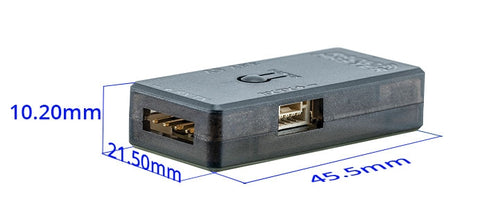
Size
Payment & Security
Payment methods
Your payment information is processed securely. We do not store credit card details nor have access to your credit card information.
